Property Management & Virtual Security
Role:
UX/UI Design
Prototyping
Client:
Gotham Security
Duration:
5 Weeks
Lagos is home to numerous gated communities, which have become essential for residents prioritizing security and controlled access. However, visitor management in these communities remains inefficient, relying on manual processes such as paper registers—methods that are often slow, intrusive, and prone to human error.
The Challenge
To understand the landscape, I conducted interviews with residents, community administrators, and security personnel.
Research Insights
Residents wanted more autonomy in managing visitors without relying on security guards.
Long wait times at entry points were a common frustration.
Larger communities needed a system capable of managing different visitor types, such as friends, vendors, and domestic staff.
Mapping User Flows & Creating Concepts
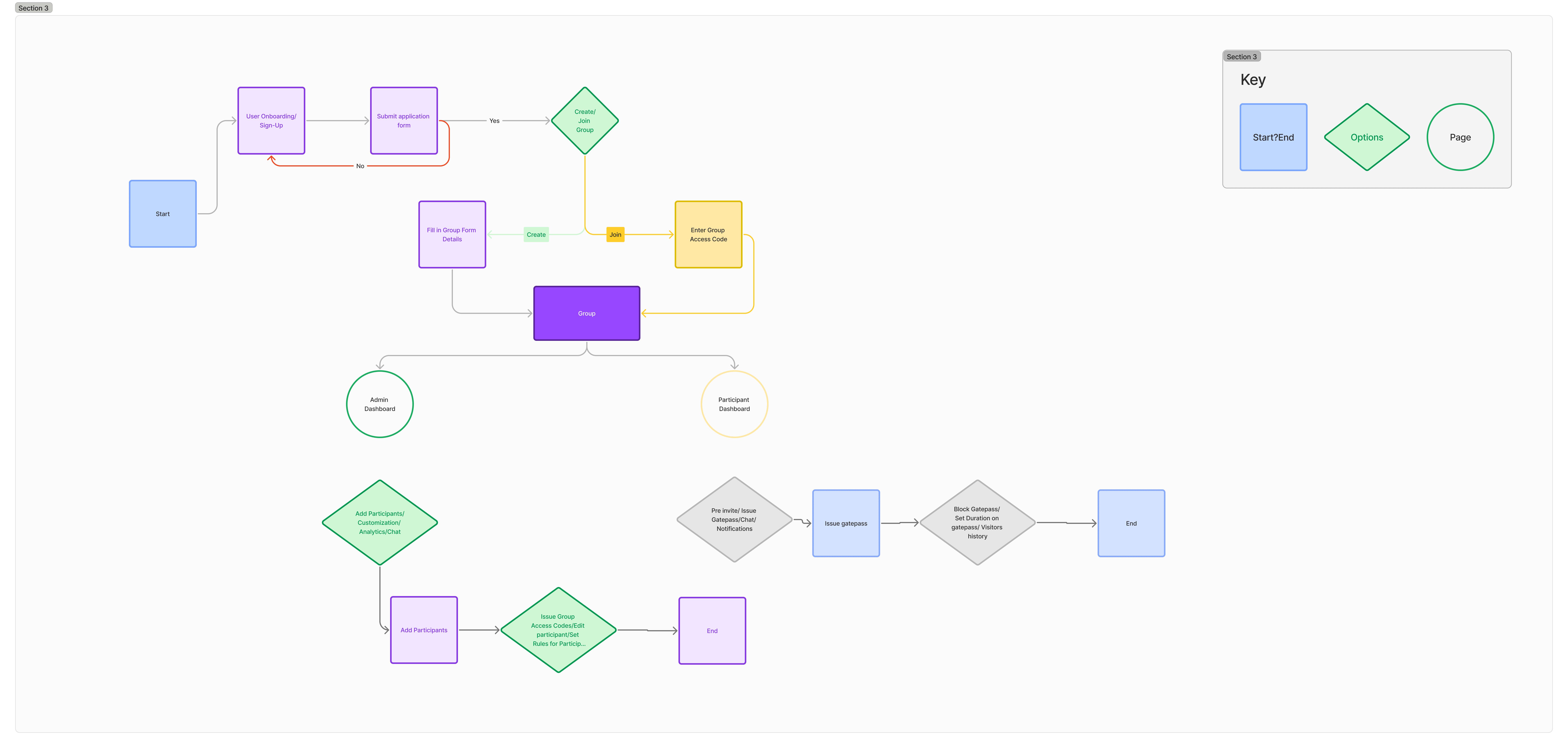
The design process began with brainstorming sessions and early concept sketches.
Key Objectives
Balancing simplicity and functionality to ensure ease of use.
Prioritizing core user actions such as visitor code generation and community engagement.
Visual Identity


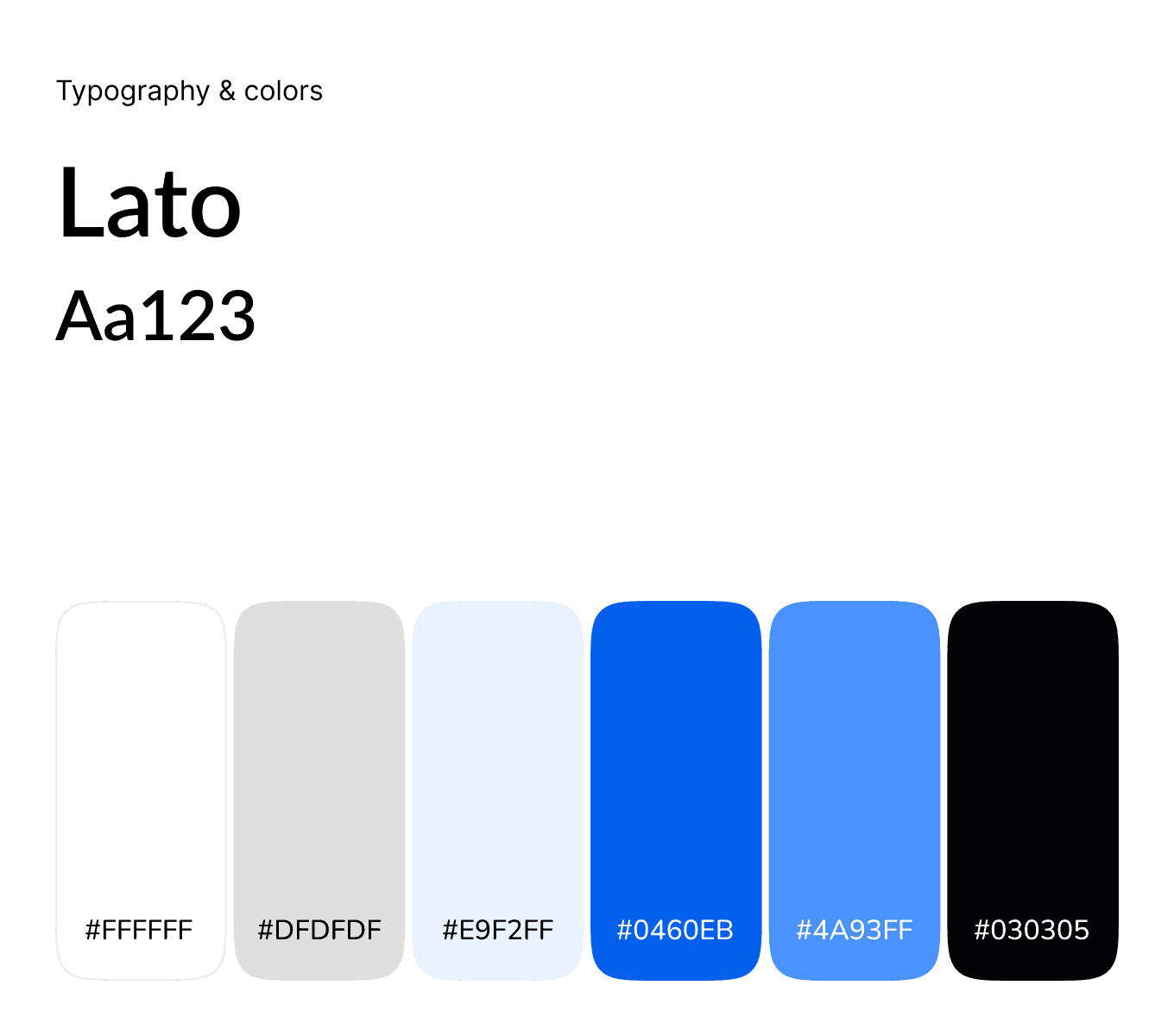

Design Approach
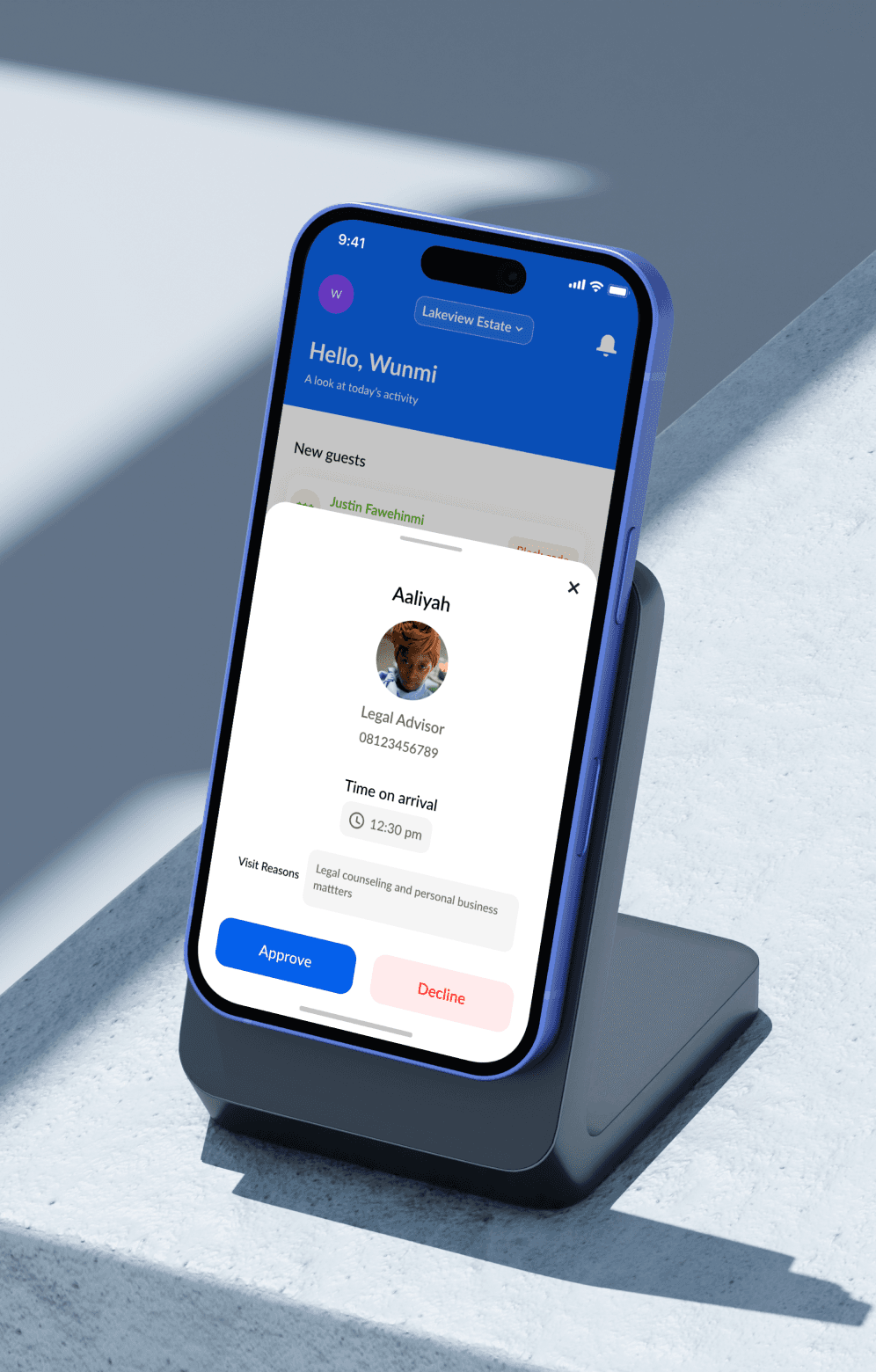
To manage the app’s complexity, the design scope was divided into three primary action goals:
- Facilitating user sign-in.
- Generate different types of visitor codes.
- Track user activity.
1.
Users can sign in by selecting their context—community or workplace. This personalization enhances flexibility and ensures relevance to their specific needs.
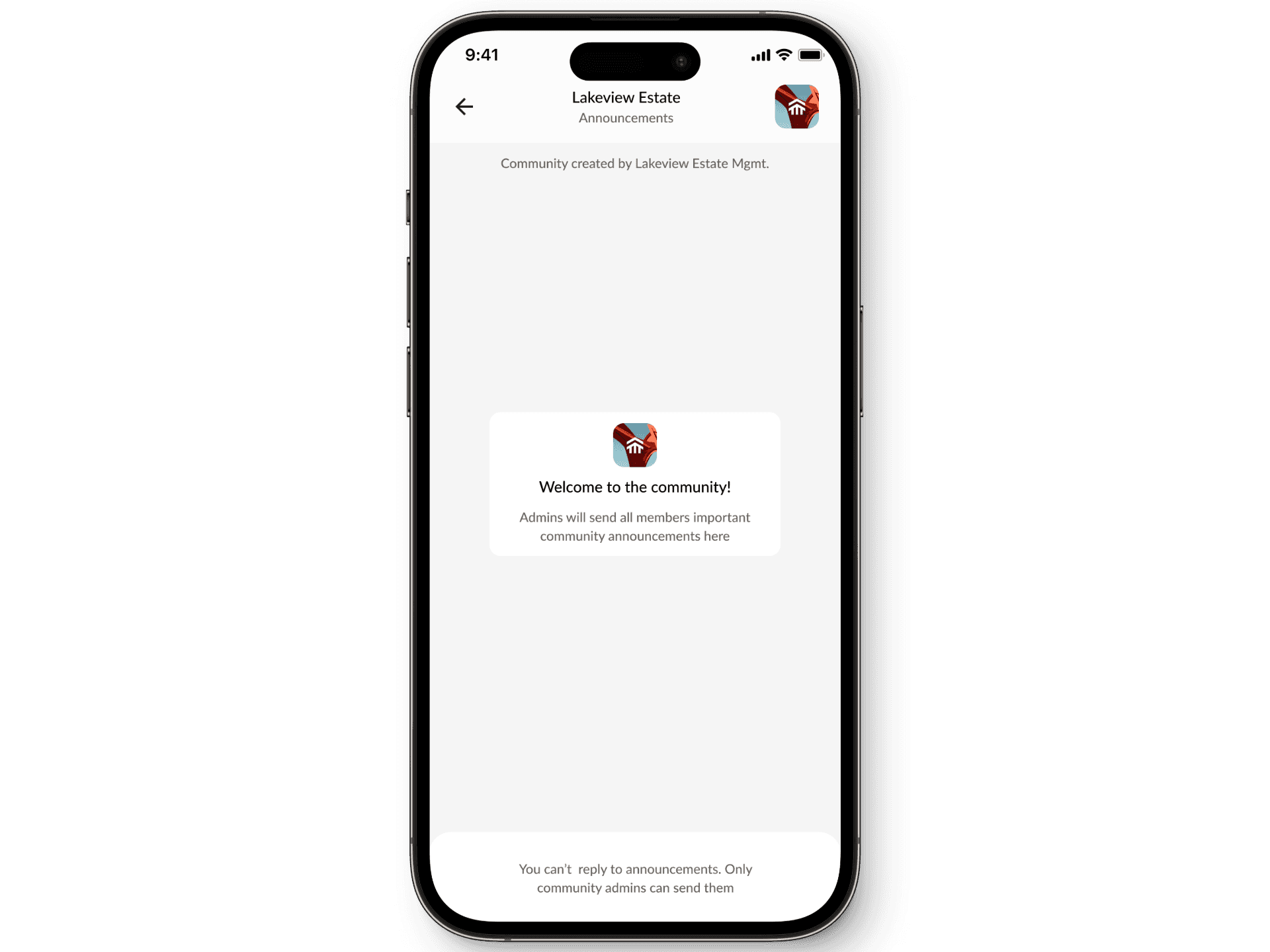
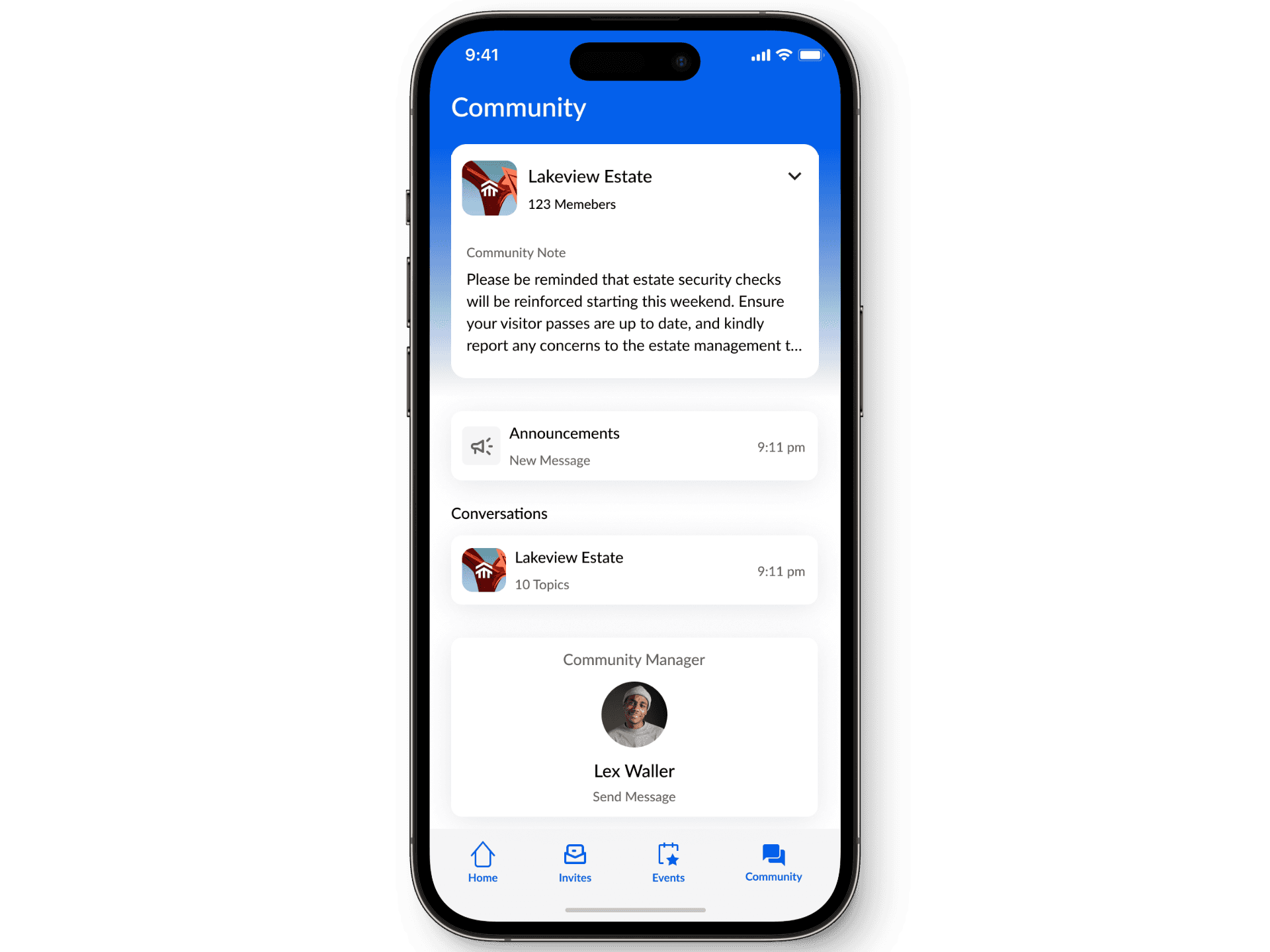
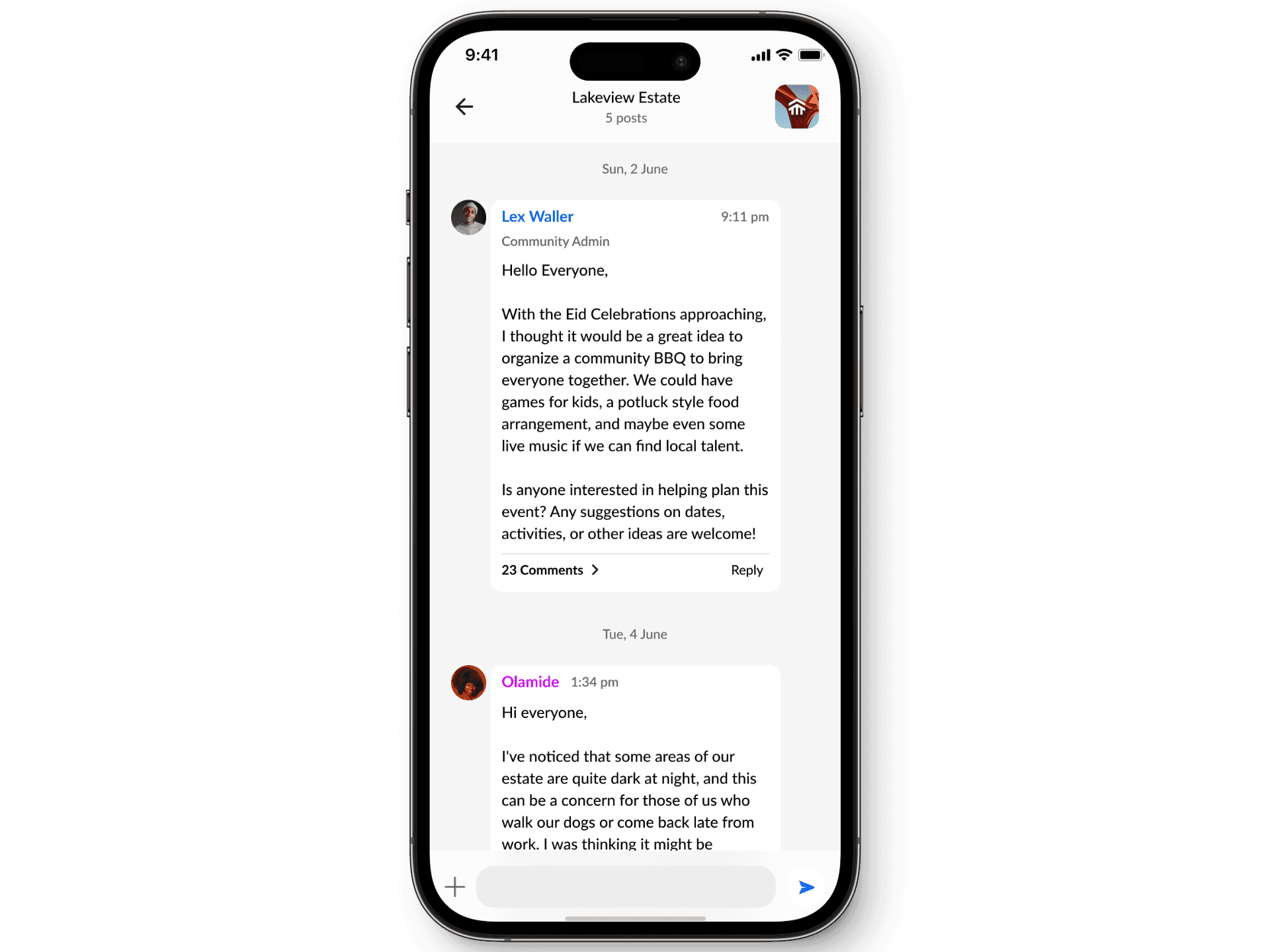
Once signed in, residents receive an admin-provided access code to join their community. Within the app, residents can engage in discussions, report security issues, and collaborate with neighbors, fostering a connected environment.
2.
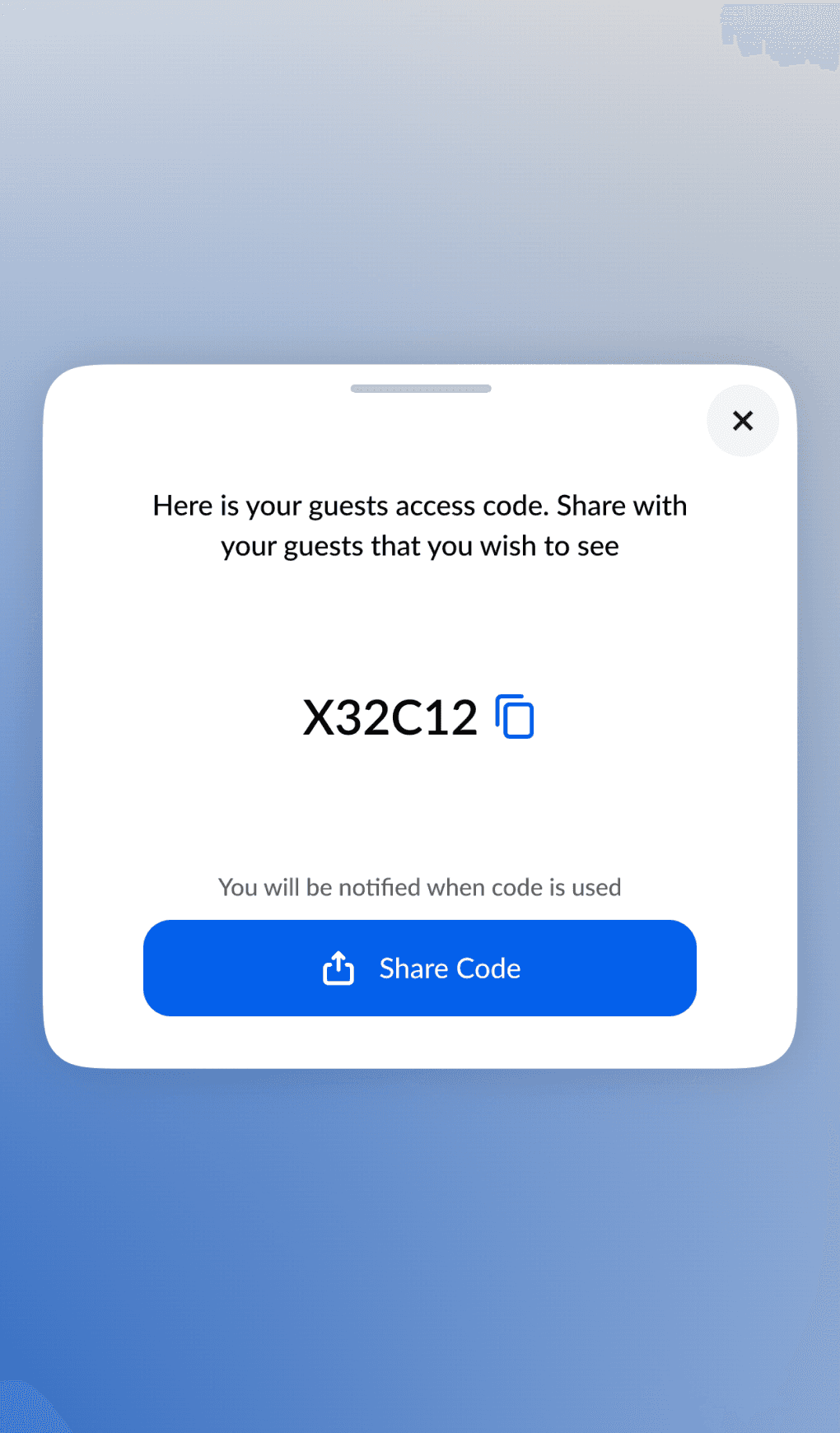
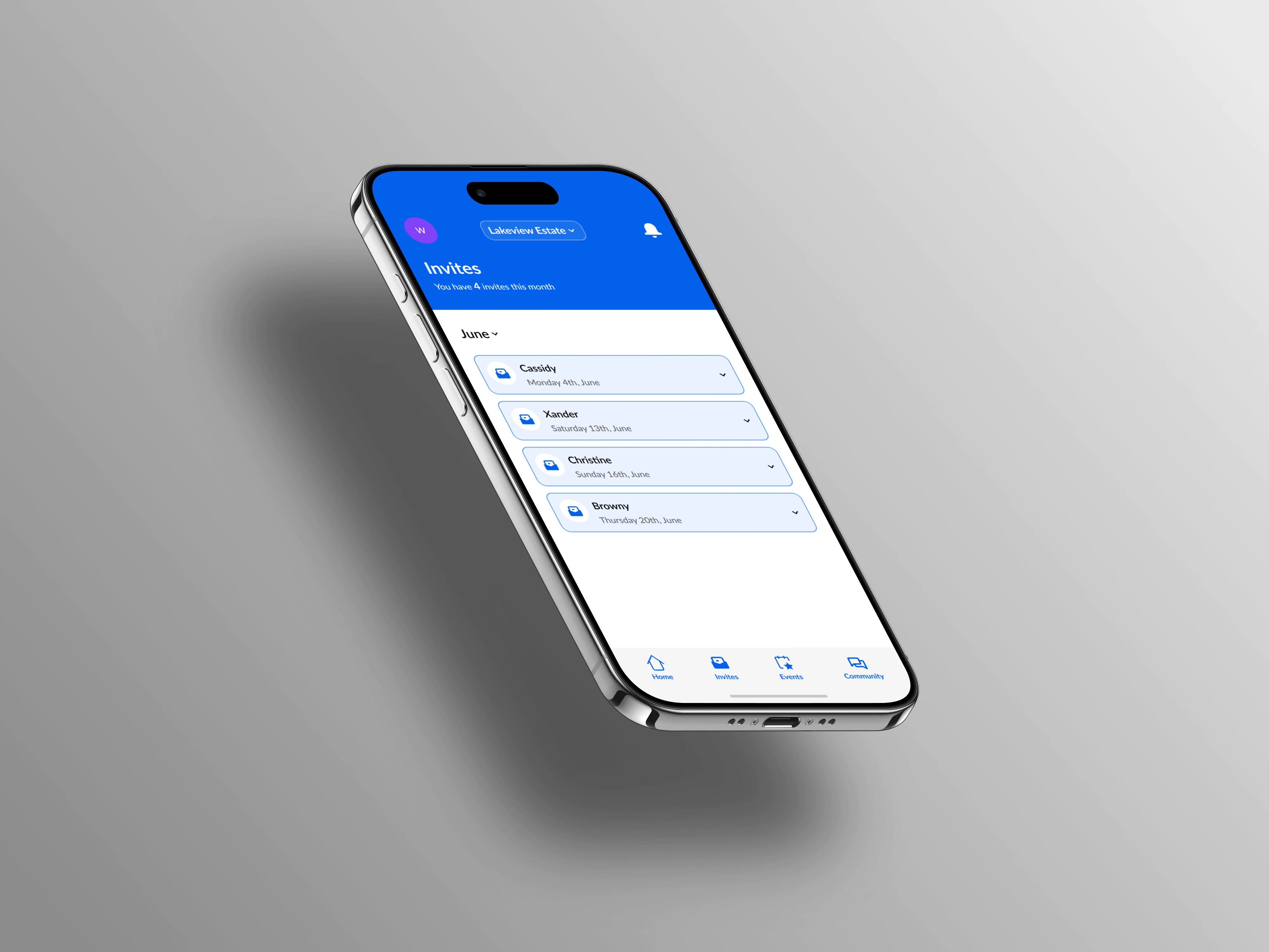
Residents can generate entrance codes for visitors—both announced and unannounced—with just a few taps. Codes are customizable (e.g., single-use or scheduled invites) and can be shared via social platforms.
Other use cases include:
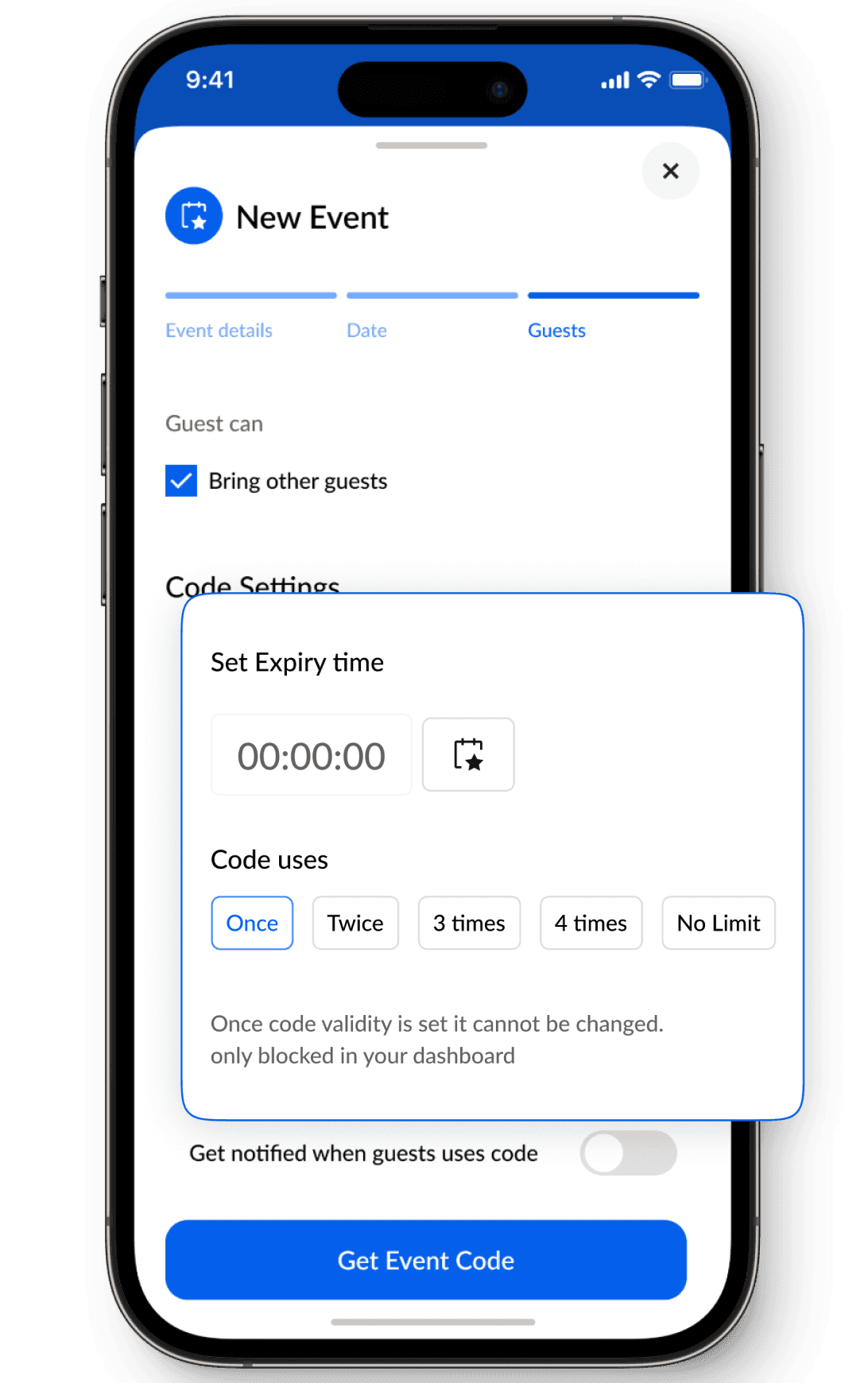
For events or multiple guests with expiration settings, reducing the constant need for code requests.
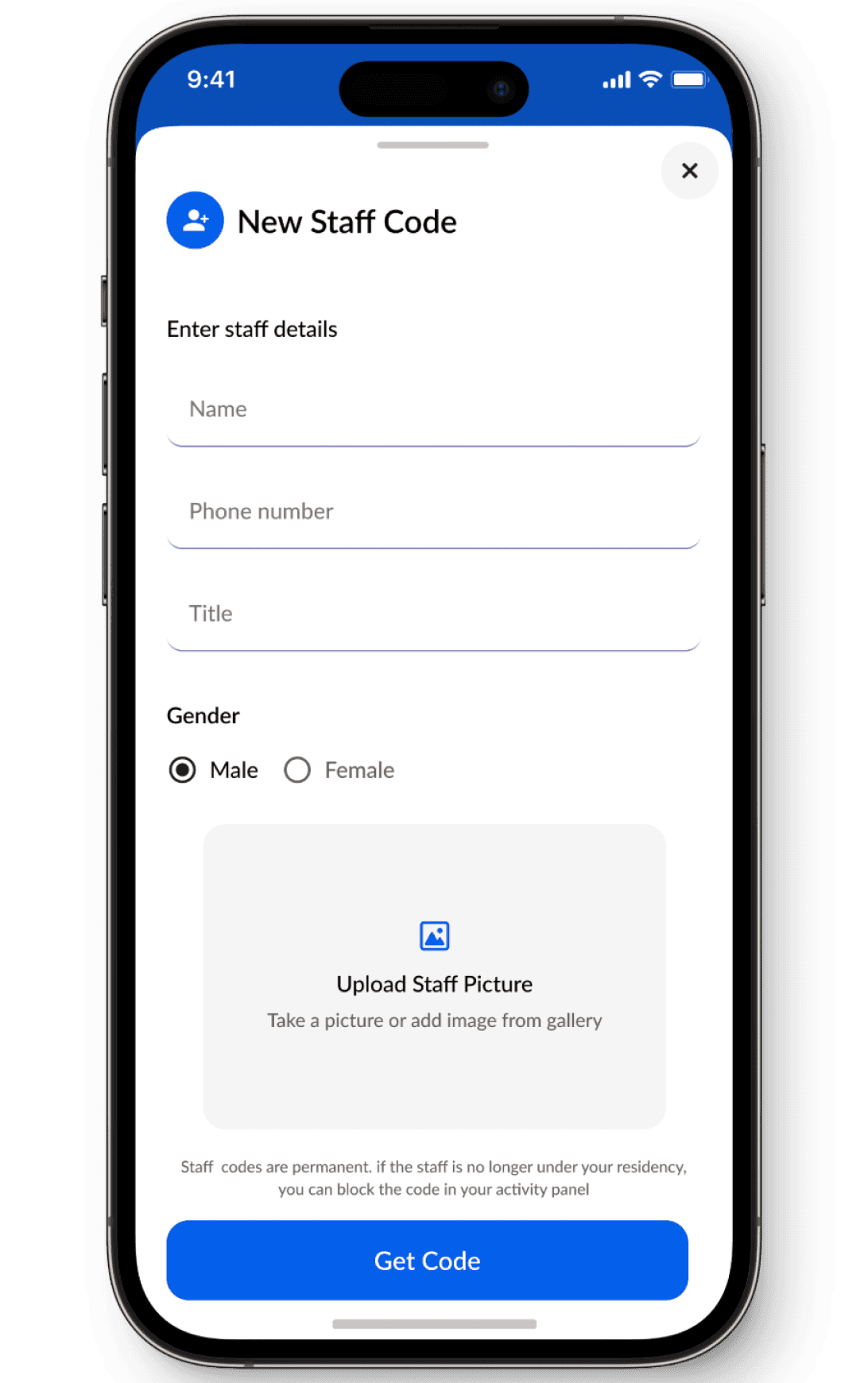
Supporting households with domestic staff by assigning reusable codes.
3.
Residents can manage multiple groups (e.g., workplace and community) within a single account. Seamless group-switching functionality ensures a frictionless experience, similar to switching profiles in social media apps.
Designing the Visitor Management System for Tablets


Design Direction
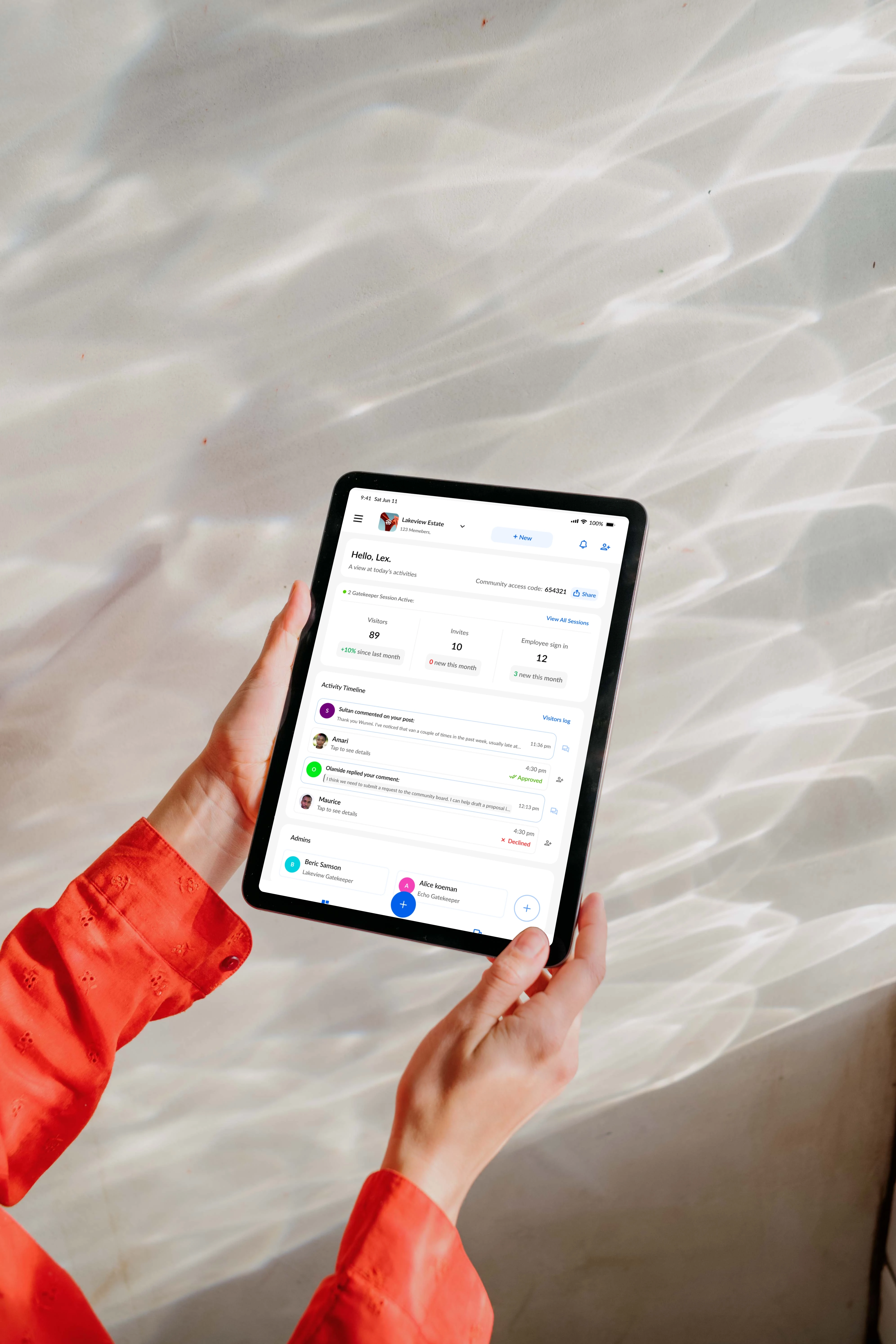
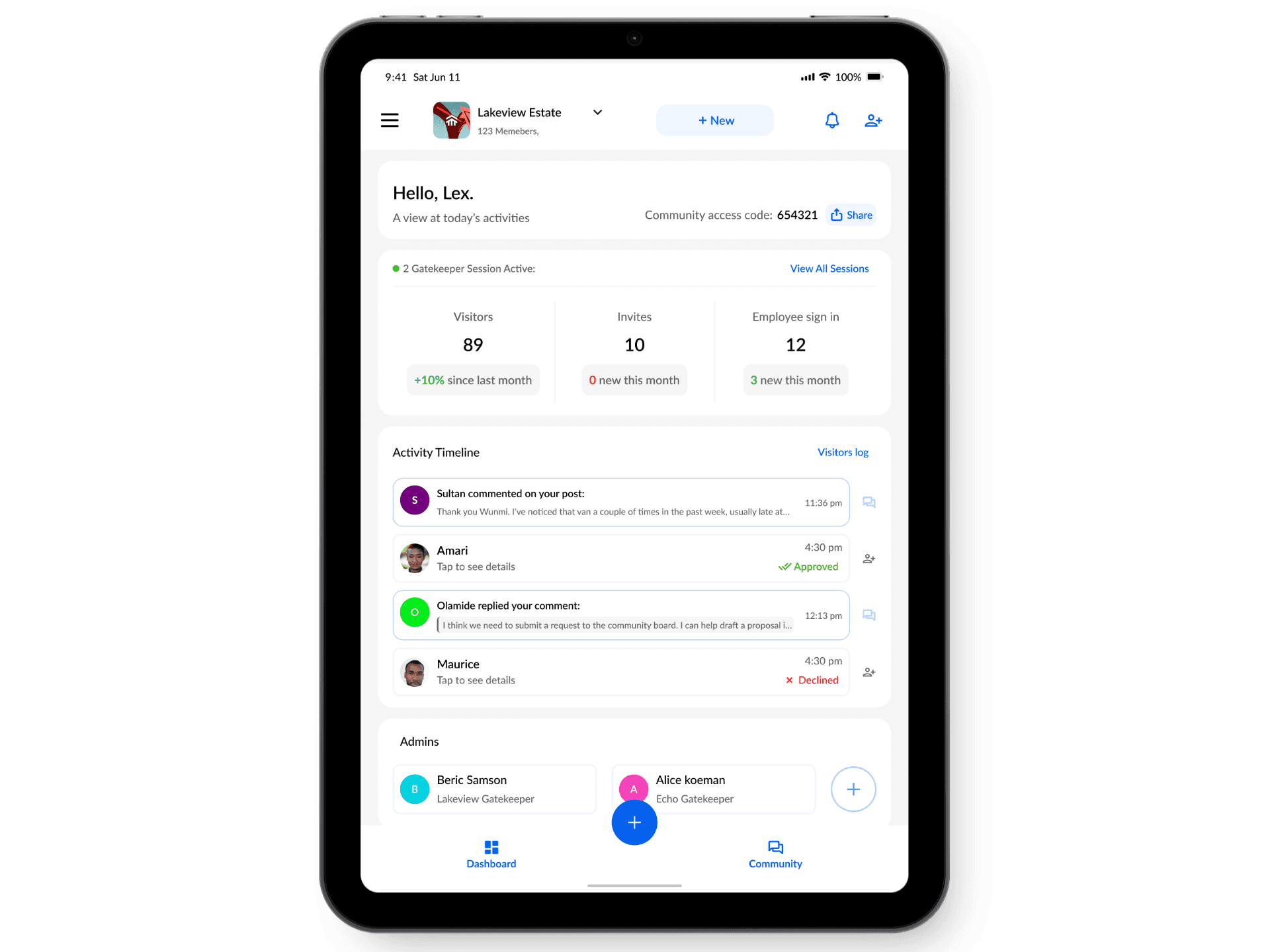
The tablet interface aligns with the mobile app, enhancing functionality for administrators and security personnel while maintaining design consistency. Key priorities include:
- Visitor sign-ins.
- Admin activity management.
1.
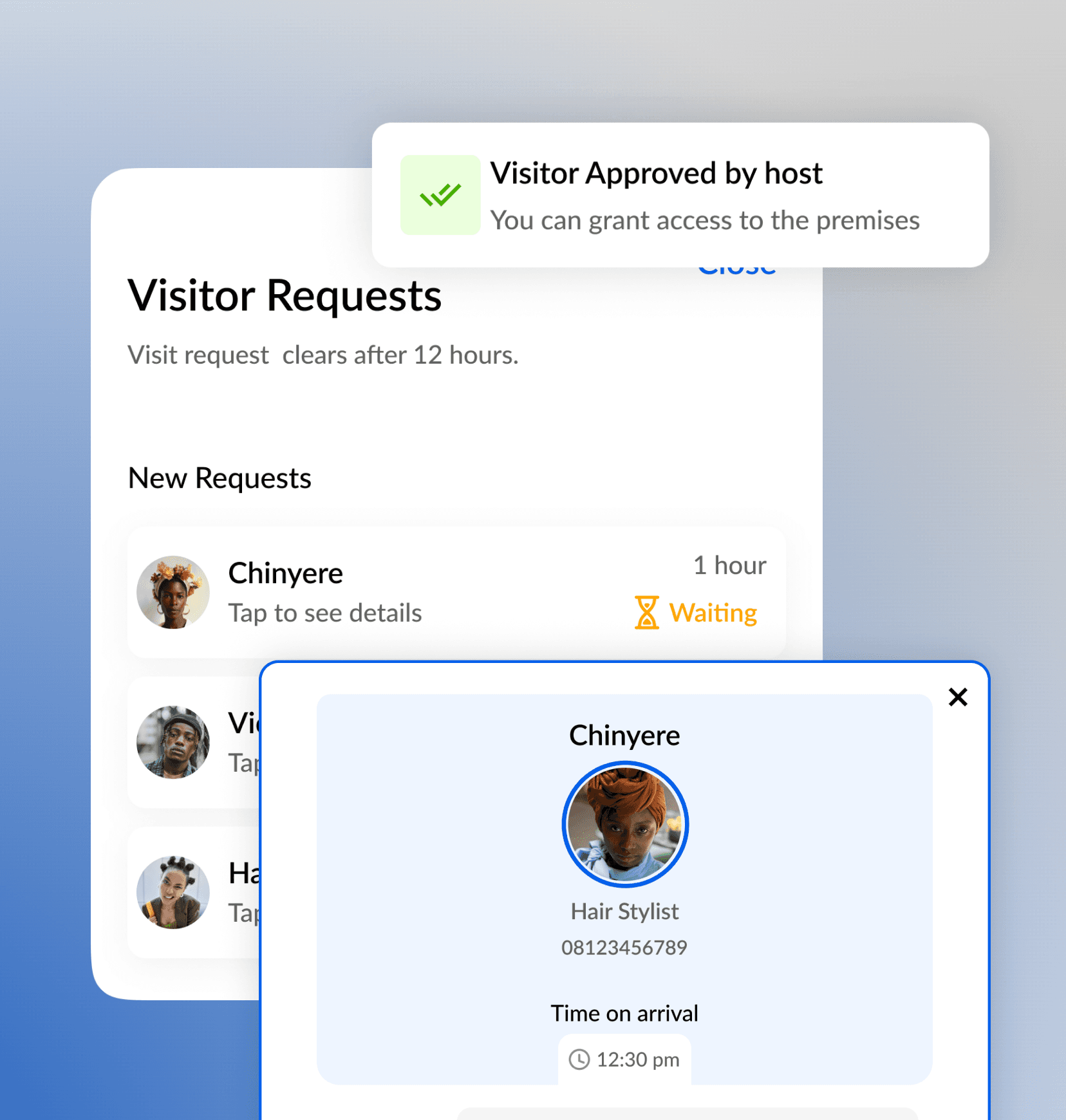
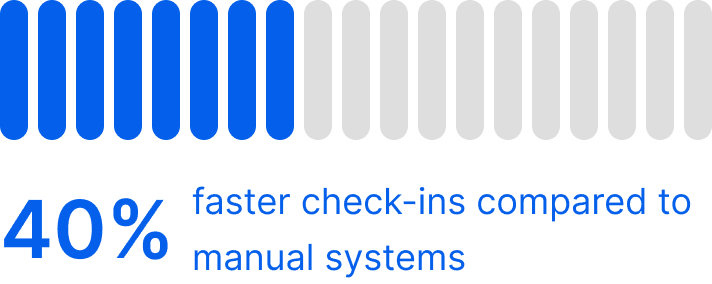
Visitors with pre-generated codes can input them directly for instant verification, bypassing manual sign-ins. This reduces wait times at entry points.
2.
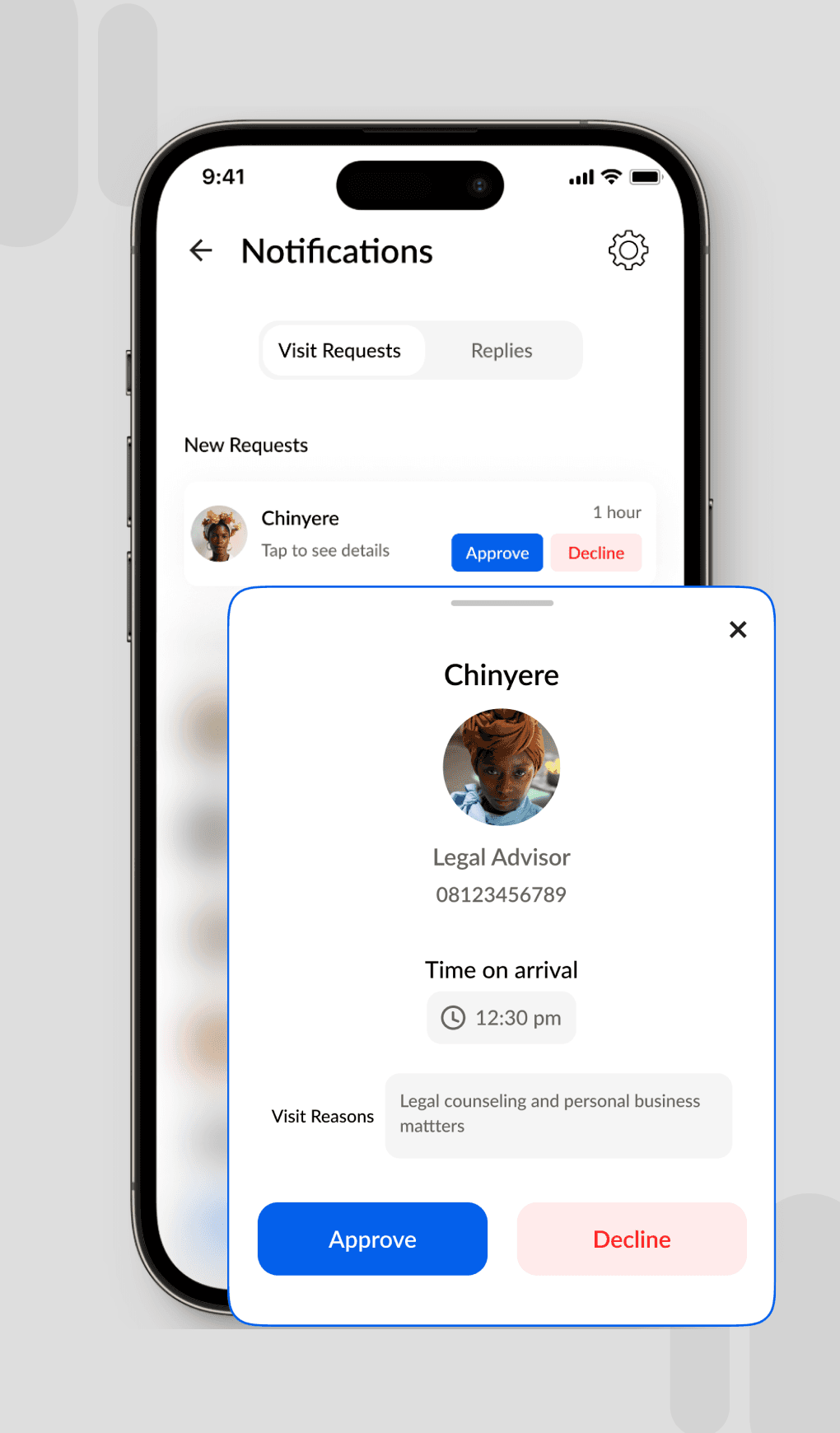
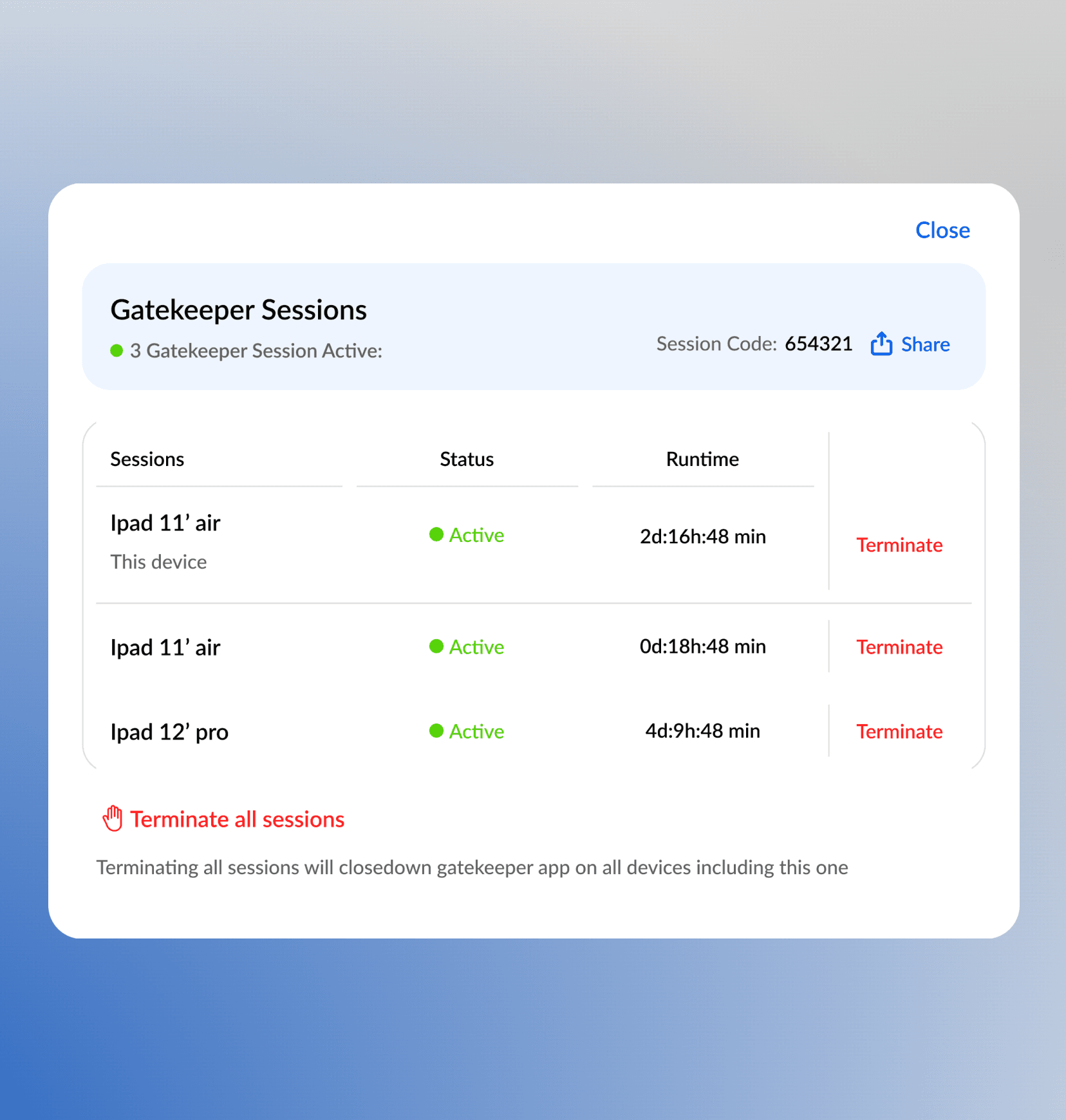
The admin dashboard was designed to simplify monitoring visitor activities for large communities and workplaces. Key features include visitor logs, analytics, and real-time alerts for improved oversight.
Outcomes and Reflections
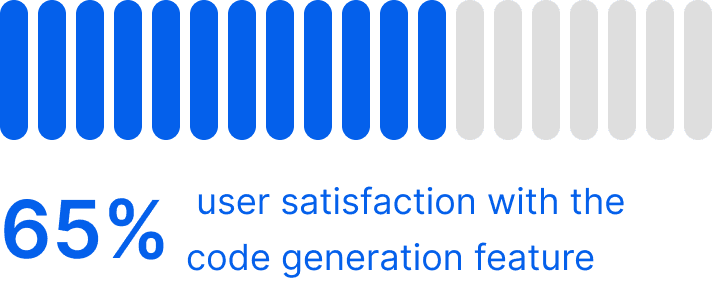
Reflections
Next Project